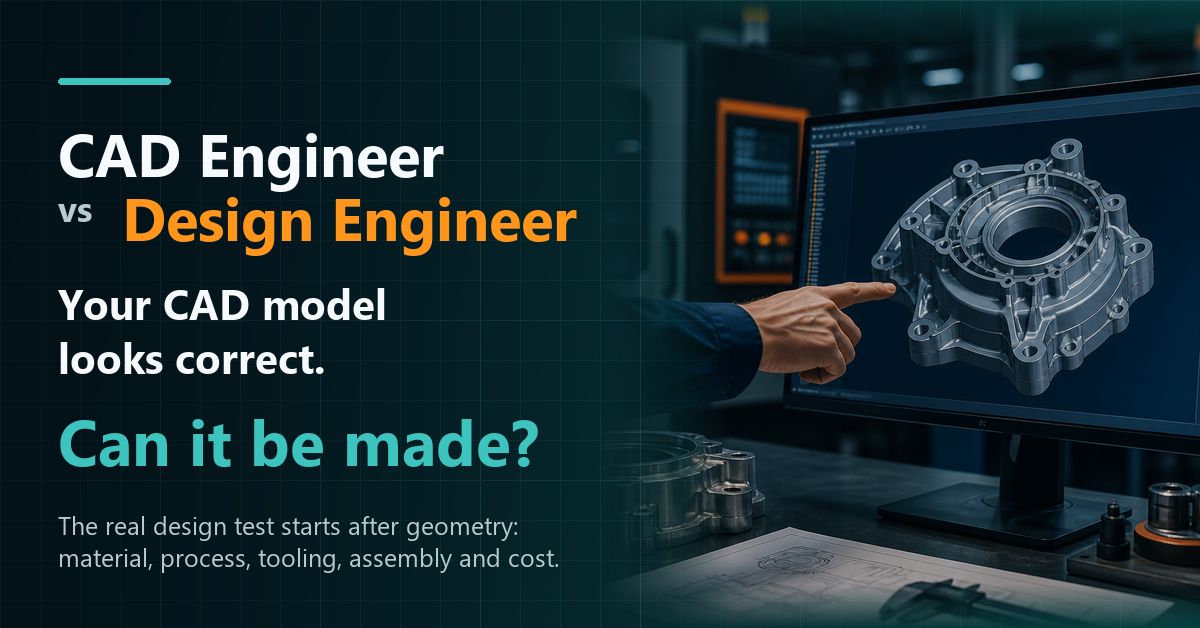
CAD Engineer vs Design Engineer: The One Difference Many Freshers Miss
08 Sep 2026
navinyasanew
5 min read
Many Mechanical Engineering students learn CAD with a very clear hope: “I want to get into design.”
That is a good starting point. Learning CATIA, NX, Creo or SolidWorks gives you the language to create geometry, assemblies and drawings. But after a few months of software practice, many students still face the same problem during interviews or project discussions.
They can create the model, but they struggle to explain the design.
That is where the difference begins.
A CAD engineer and a design engineer may both work with 3D models. But the expectations are not the same. A CAD-focused role is usually about creating accurate geometry from given inputs. A design engineer is expected to think about function, material, manufacturing, tooling, assembly, quality, cost and validation before the geometry is finalized.
That one shift matters a lot.
Before closing any model, a design engineer asks a simple question:
How will this actually be made?
What a CAD Engineer Usually Does
A CAD engineer usually works with geometry and documentation.
This can include creating 3D models, updating assemblies, preparing 2D drawings, converting data, maintaining CAD standards and making changes based on inputs from seniors, customers or design teams.
This work needs discipline. A small modelling mistake can affect the drawing. A wrong drawing can create confusion on the shop floor. So CAD work should not be treated as basic or unimportant.
But CAD execution is often input-driven.
Someone gives the requirement. Someone defines the concept. Someone decides the material or manufacturing process. The CAD engineer converts that direction into a clear model or drawing.
For many freshers, this is the first stage of learning. Nothing wrong with that.
The problem starts when students think CAD command knowledge alone is enough for a design role.
What a Design Engineer Is Expected to Do
A design engineer has to understand why the part should be designed in a particular way.
That includes asking practical questions early:
Will this part perform its function? Can it be manufactured without unnecessary complications? Is the material suitable? Will the part fit with the surrounding components? Can it be assembled easily? What tolerance is required? Will it pass testing? Can it be produced at the expected cost?
These questions are not theoretical. They come up in real product work.
For example, if you are designing a plastic part, ribs and bosses are not just CAD features. Their thickness, location and draft angle can affect sink marks, mould release and part strength. We have explained this in more detail in our blog on plastic part wall thickness rules.
In sheet metal design, creating a bend in CAD is easy. But the design engineer must think about bend allowance, bend relief, tool access, flange length and assembly fitment.
In casting, the part shape has to support material flow, solidification, machining allowance and defect control.
This is why design engineering needs domain knowledge.
CAD Engineer vs Design Engineer: A Practical Comparison
Area
CAD-Focused Work
Design Engineering Expectation
3D Modelling
Create accurate geometry
Create geometry that supports function and manufacturing
Drawings
Generate views and dimensions
Define tolerances, datums and requirements clearly
Plastic Parts
Model ribs, bosses and walls
Consider wall thickness, draft, tooling and sink risk
Sheet Metal
Create bends and flanges
Think about bend allowance, relief and assembly
Problem Solving
Make requested changes
Understand the issue and suggest better options
Manufacturing
Follow given inputs
Design with process, tooling and cost in mind
A good CAD model looks clean on screen.
A good design survives manufacturing, assembly and testing.
That is the part many students do not see early enough.
Why Recruiters Ask Manufacturing Questions
Mechanical-design interviews often start with CAD, but they rarely stop there.
A recruiter or technical interviewer may ask:
Why is draft angle required in plastic parts? What causes sink marks? How do you choose a bend radius? What is the purpose of a datum? How will you decide tolerance? How would this component change if it was made by casting instead of machining?
These questions check whether the candidate can connect geometry with the real product-development process.
This is also why GD&T and drawing clarity matter. Standards such as ASME Y14 exist because engineering teams need a common language for drawings, tolerances, inspection and product definition.
A drawing is not only a sheet of dimensions. It is a communication document between design, manufacturing and quality teams.
The Mistake Many Freshers Make
Many freshers spend months practising CAD commands, but they do not spend enough time understanding the product.
They can create an extrude, cut, fillet, shell or pattern. But if someone asks why the wall thickness is chosen, why a rib is placed there, or how the part will be manufactured, they hesitate.
I have seen this gap many times.
The student is not weak. The learning path is incomplete.
CAD teaches you how to express geometry. Product design teaches you how to make decisions.
Both are needed.
How to Move From CAD-Trained to Design-Ready
Start with CAD. Learn it properly.
But once you are comfortable creating models and drawings, do not stay only at the command level. Pick real components and study them slowly.
Look at a plastic cover and ask why the ribs are placed in that direction. Look at a bracket and ask why the bend relief exists. Look at a cast housing and ask why certain areas are thicker. Look at a drawing and ask why a datum is selected there.
This habit builds design thinking.
You should also learn manufacturing-domain knowledge in a structured way. Plastic Design, Casting Design, Sheet Metal/BIW and machining all have their own rules. The same shape may behave differently depending on how it is made.
At Navinyasa, our Mechanical Domain Training is built around this transition. The focus is to help CAD-trained mechanical students, freshers and working professionals understand how real product design decisions are made.
A Simple Question to Carry Forward
Before finalizing any geometry, ask:
How will this actually be made?
That question will force you to think about material, process, tooling, assembly, quality and cost.
It will also make your design discussions stronger.
CAD skill is useful. Keep building it. But if your goal is a real design role, start connecting every model with manufacturing and product logic.
That is how you move from CAD practice to design engineering.
Book a Free Demo. See What Design-Ready Training Looks Like.
Build practical mechanical design skills through domain-focused training in Plastic, Casting and Sheet Metal/BIW with live project exposure, manufacturing knowledge and mentor guidance.
Upcoming batches have limited seats. Book a free demo to understand the program structure, domain options and learning approach.
See How Domain Training Can Strengthen Your Design Career.
CAD software knowledge is only the starting point. Explore how practical training in Plastic, Casting and Sheet Metal/BIW, manufacturing processes and live projects can help you move toward design-ready skills.
Upcoming batch • Limited training seats. Book a free demo to understand the training approach before you decide.