Draft Angle Rules Every Plastic Part Designer Should Know
22 Sep 2026
navinyasanew
6 min read
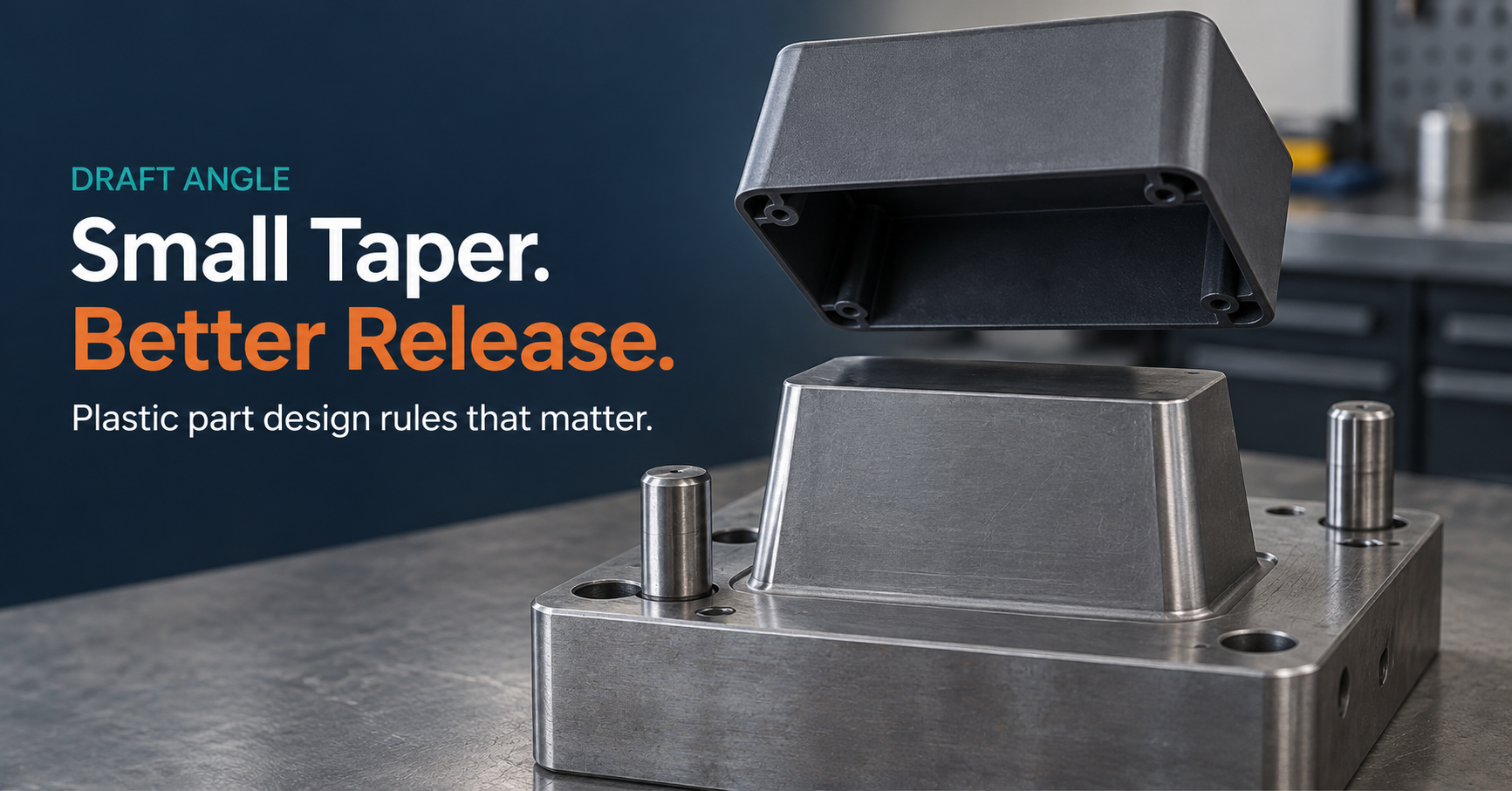
Draft angle is the small taper you apply to any wall that runs parallel to the direction the mold opens. A vertical wall with zero draft has nowhere to go when the tool opens, it drags against the core, scuffs the surface, and in the worst case, won’t release at all. Get the taper right early, and ejection, surface finish, and tool life all take care of themselves. Get it wrong, and you find out during the first trial shot, not before.
Most design engineers know draft exists. Fewer can say, without opening the CAD software, what angle a deep rib actually needs versus a lightly textured cover, and that gap is exactly where tooling reviews stall.
Why Plastic Parts Need Draft in the First Place
As a molded part cools, it shrinks around the core and any other feature the tool used to shape it. A wall with no taper stays in full contact with that core right up to the moment of ejection; the mold has to fight the part’s own shrinkage to pull it free. Draft opens a gap the instant the tool starts to separate, so the part clears the core with room to spare instead of scraping against it.
Skip it, and the failure shows up in a few predictable ways: drag marks on an otherwise clean surface, whitening or stress marks near the ejector pins, or a part that simply won’t come out without help from a mallet which is a story every molder has, and not a good one.
Start With Tooling Direction, Not With the Draft Command
Before you touch a draft tool in CAD, establish the actual pull direction the axis the mold opens along. Every surface on the part gets classified relative to that one axis:
Positive draft the surface opens away from the core as the tool separates. This is what you want. Negative draft the surface closes against the core instead of opening. This is an undercut, and CAD’s draft-analysis colors will usually flag it in red. Neutral the surface runs parallel to the pull direction and has no draft either way; typically fine only for very shallow features.
An undercut doesn’t get “fixed” by adding a draft value after the fact. It gets resolved by changing the geometry, splitting the feature, or adding a secondary tool action a slider or a lifter that moves independently of the main pull. Deciding which of those three you need is a design call, and it’s cheaper to make on screen than after the mold is cut.
Where Draft Needs the Most Attention
Draft isn’t one number applied uniformly across a part. A handful of features consistently need more thought than the rest of the model:
Feature
Why it needs extra attention
Typical starting point
Vertical walls, general
Baseline case still needs draft even on a “simple” wall
0.5° minimum, 1–2° is comfortable
Deep ribs and bosses
Longer sliding contact against the core as depth increases
Add draft per side; deeper features push toward the higher end of the range
Lightly textured surfaces (e.g. PM-T1)
Texture adds mechanical grip that fights ejection
3° or more
Heavily textured surfaces (e.g. PM-T2)
Deeper texture pattern, more resistance
5° or more
Shut-off surfaces
Metal-on-metal contact where tool halves meet needs clean sealing, not just release
3° minimum
Class-A / cosmetic surfaces
Draft changes are visible styling intent has to survive the taper
Set by appearance first, then checked against release
These figures track the widely-used Protolabs draft angle design guide a reasonable industry starting point, not a substitute for your own tool-maker’s sign-off on a specific part, material, and press.
Ribs and bosses deserve a specific callout: they’re internal features, so their draft has to support release in the same pull direction as the outer wall, not an independent direction that seems locally convenient. A boss drafted “correctly” in isolation but backwards relative to the main tool motion is still an undercut.
Positive Draft, Negative Draft, and Why the Difference Matters Before Tooling Review
Positive draft supports release the surface actively opens as the tool separates, so the part gets clearance instead of friction. Negative draft does the opposite: the geometry locks against the tool, and that’s the definition of an undercut, whatever angle shows up in the readout. Any engineer running a draft analysis should be able to look at a red face in CAD and say, immediately, what that means downstream a redesign, a slider, or a lifter rather than treating it as a cosmetic warning to note and move past.
Draft Analysis Is a Design Review, Not Just a CAD Command
CAD software will color-code every face on a part green, yellow, or red based on its draft angle relative to the pull direction. That output is a starting point, not the finish line. The real work is reading what those colors mean for the parting line, the tool’s sliders and lifters, the surface finish at that location, and whatever assembly tolerance depends on that wall being where you drew it.
The objective was never to make every face green. It’s to make the part manufacturable while keeping the functional and styling requirements the part actually has to meet a Class-A surface that also needs 5° of draft for texture is a real trade-off, not a checkbox, and it usually needs a conversation with the tool designer before it’s final.
Where to Learn This in Context
Draft angle is one design decision inside a much longer list wall thickness, ribs, bosses, snap-fits, and the material and process choices that sit behind all of them. Navinyasa’s Plastic Component Design Program walks through these decisions the way a tooling review actually happens, not as isolated CAD tutorials. If you’re mapping out a broader shift from CAD operator to design engineer, the CAD-Trained to Design-Ready framing on the same page is worth reading next.
Frequently Asked Questions
Can a plastic part be molded with zero draft?
In narrow, local conditions, yes, a very shallow feature or a low-shrinkage material can sometimes get away with close to zero. As a default, though, zero draft raises ejection risk on almost every real part. The right number depends on depth, material, texture, and your specific tool-maker’s standards, not on a single universal rule.
Does surface texture actually change the draft angle you need?
Yes, measurably. A textured surface has a rougher physical profile than a polished one, and that texture increases resistance during ejection. Light texture (PM-T1 range) typically wants around 3° or more; heavier texture (PM-T2 range) pushes past 5°. A polished surface can often work at the lower end of the general 1–2° range instead.
What happens if I ignore a negative-draft warning in CAD?
The part will not release cleanly from that feature without a design change or a secondary tool action. Some teams try to force it anyway with more ejector force, more draft crammed in late, or a manual assist at the press and it usually costs more in scrap, cycle time, or tool wear than fixing the geometry would have.
Draft angle is one of dozens of decisions like this that separate a part that molds clean from one that comes back with a defect report. If you want to learn to make these calls with confidence, not by trial and error on a real tool, Book a Free Demo of the Plastic Component Design Program.
Book a Free Demo. See What Design-Ready Training Looks Like.
Build practical mechanical design skills through domain-focused training in Plastic, Casting and Sheet Metal/BIW with live project exposure, manufacturing knowledge and mentor guidance.
Upcoming batches have limited seats. Book a free demo to understand the program structure, domain options and learning approach.
See How Domain Training Can Strengthen Your Design Career.
CAD software knowledge is only the starting point. Explore how practical training in Plastic, Casting and Sheet Metal/BIW, manufacturing processes and live projects can help you move toward design-ready skills.
Upcoming batch • Limited training seats. Book a free demo to understand the training approach before you decide.